Where 3D products
come to life on the web.
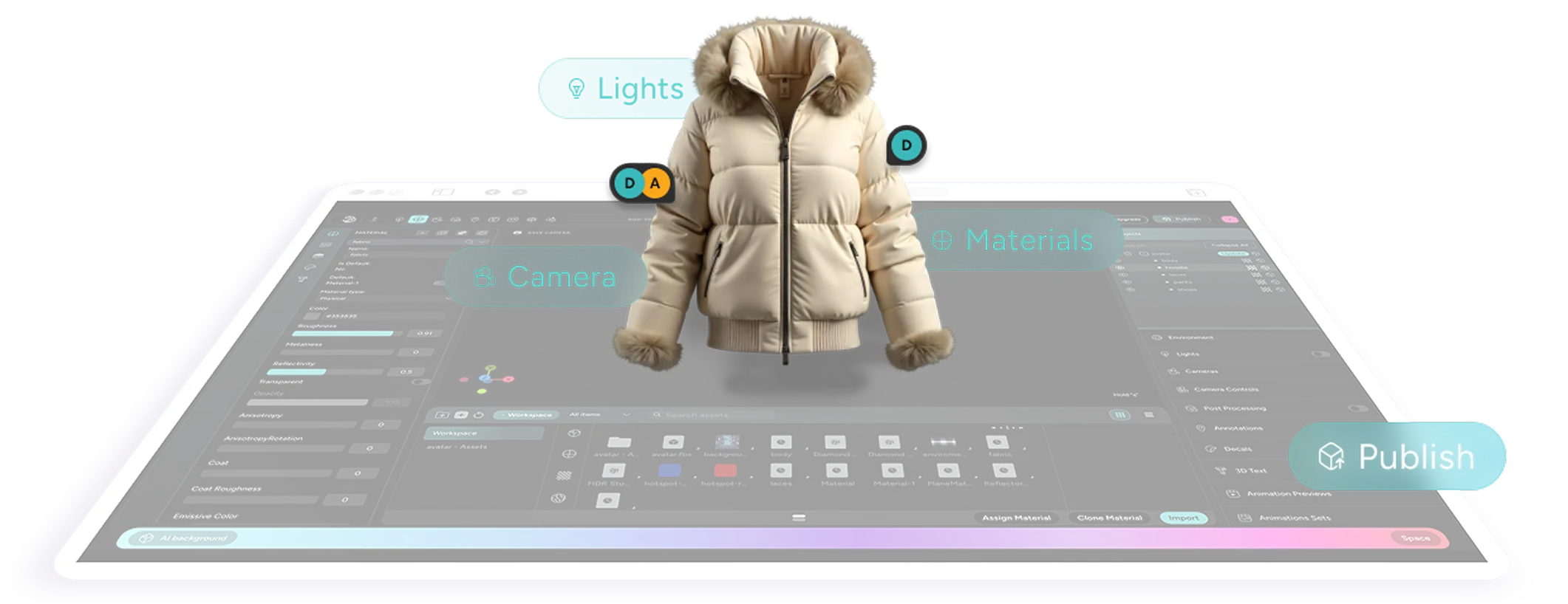
Edit materials, lighting and cameras. Add configuration, interaction, animation and AR
Publish straight to the web
Powering the World’s Most Advanced Experiences on Threedium Engine.


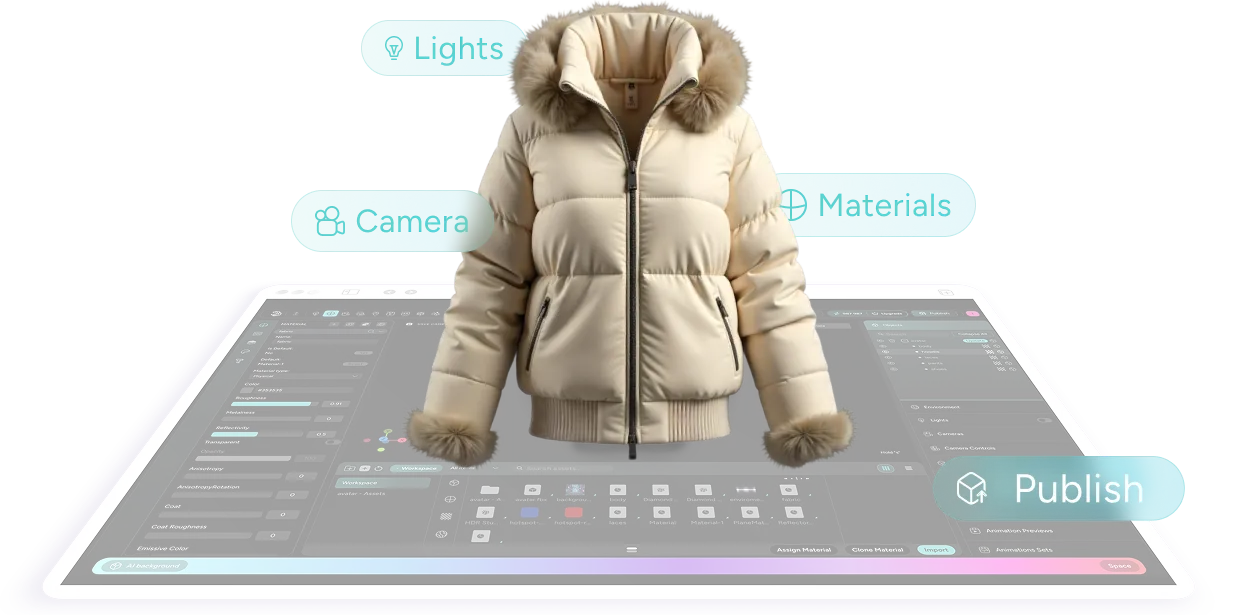
Every surface. Every shadow. Every angle.
Fine-tune materials, lighting and cameras until your product looks exactly as it should. Publish live on the web instantly.
Interactive
Experiences
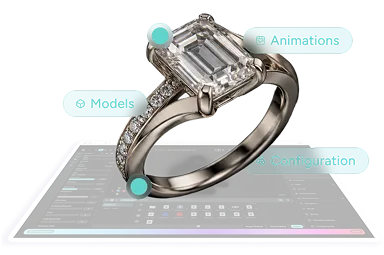
Configuration, interaction,
animation, AR
Make it move. Make it yours. Make it real.
Add configurable options, interactions and animation, and let customers place products in their own space with AR.
From static model to living product.
Publish
Anywhere
Publishing
on any device
One click from editor to everywhere.
Publish experiences straight to the web: embeddable, shareable and fast on any device.
Publish as full web solutions or as real-time 3D ad formats.
AI Content
Studio
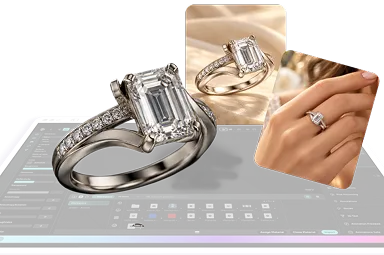
AI content:
renders, images, marketing assets
Your 3D model is now your photo studio.
Generate 4K renders, high-resolution imagery and campaign-ready content from a prompt.
Prompt it. Render it. Launch it. Skip the shoot.
Web-Ready
Performance
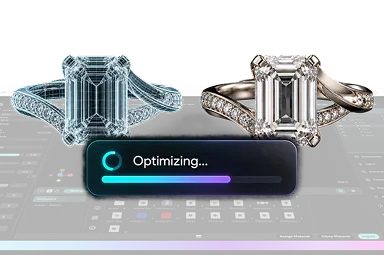
Optimisation
Heavy files in. Web-ready 3D out.
Optimise models automatically for speed and quality on every screen.
Lightweight without losing a detail.
Built for
Collaboration
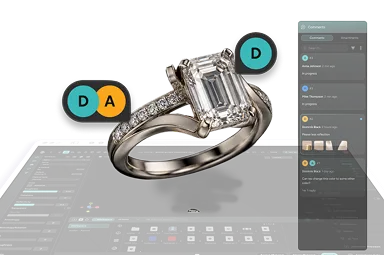
Collaboration
Create together. Approve faster.
Bring designers, brand teams and clients into one space with real-time feedback and comments.
Feedback on the model, not in the inbox.
Plug Into
Your Stack
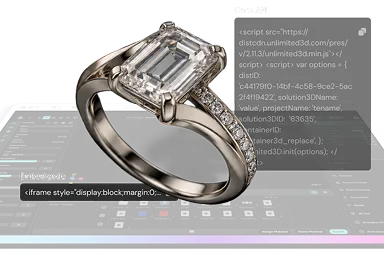
APIs and integrations
Built into your pipeline, not bolted on.
Drive the Editor through APIs and the third-party tools your teams already use.
Automate at catalogue scale.
Control how it looks. Control how it behaves.
Make it look exactly like the real product. Then decide how customers explore it.
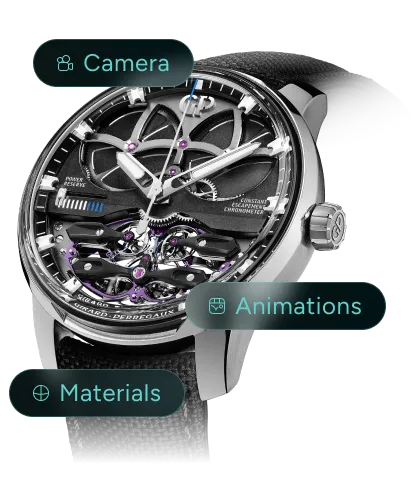
Look & Feel
-
· Materials
-
· Lighting
-
· Cameras
-
· Post-processing
Fine-tune surfaces, light and framing until the product feels exactly right.
Interaction
-
· Annotations
-
· Animations
-
· Actions
-
· Rules
Turn a static model into something people can explore, understand and configure.
Build the 3D experiences people actually use.
From product configurators and scroll-driven pages to interactive explorers and AR.
Create, refine and publish every experience from the same 3D workspace.
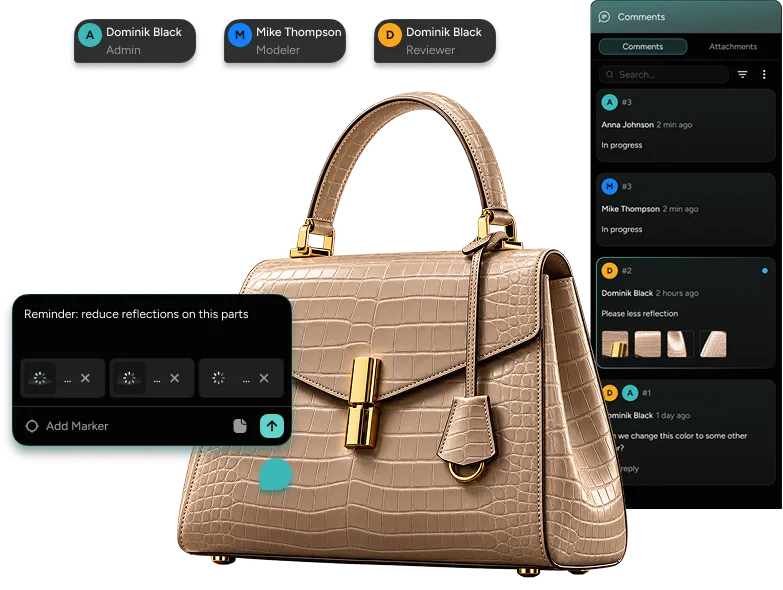
Review 3D where the work happens.
Bring your team into the same workspace, pin feedback directly to the scene, and move from review to resolution without leaving the 3D experience.
Roles
Give every collaborator the right level of access. Admin, Modeler or Reviewer.
Pinned feedback
Attach comments and markers directly to the model, object or scene.
Resolve together
Keep threads, attachments and review status connected to the work.
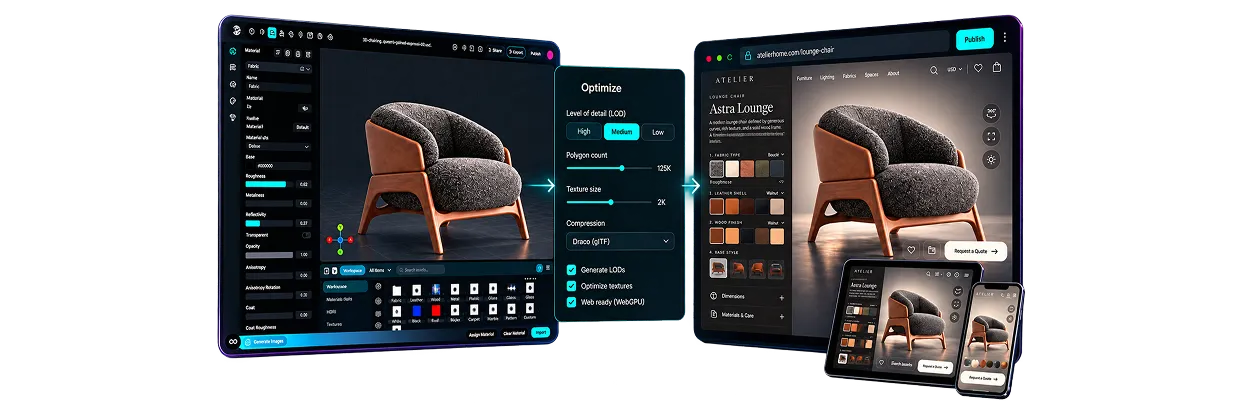
Optimize once. Publish everywhere.
Prepare the experience for real-time performance, publish it to the web, and keep updating the same project without rebuilding from scratch.
3D Editor
Create and refine
Optimize
Prepare for real-time
Publish
Live on web, anywhere
Optimize
Reduce file size, polygon count and texture weight while preserving the quality that matters.
Publish
Push the experience live, embed it where you need it, and update the published version when the next change is ready.
One editor. Every 3D experience.
From fashion and beauty to automotive, furniture, real estate, gaming and training.
Build interactive product experiences from the same 3D workflow.
Fashion & Accessories

Beauty & Cosmetics

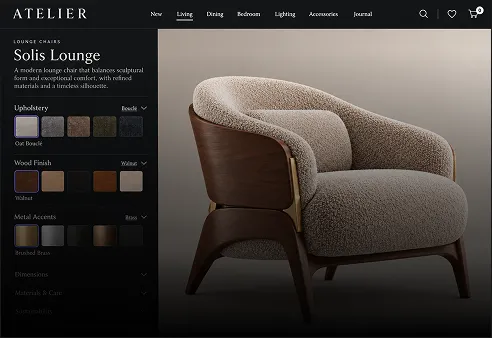
Furniture & Home
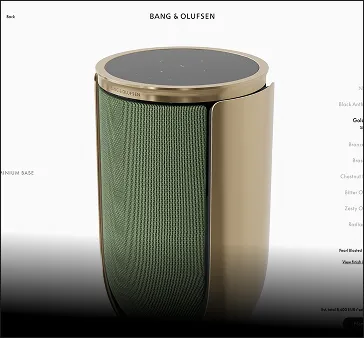
Electronics
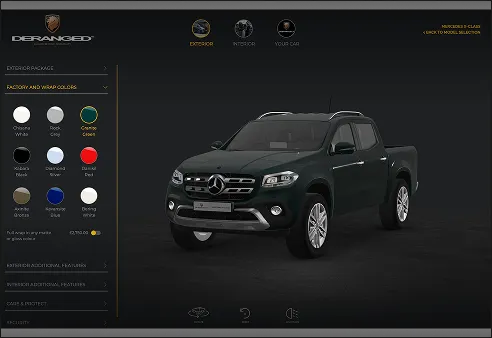
Automotive
Architecture & Real Estate

Gaming

Education & Training
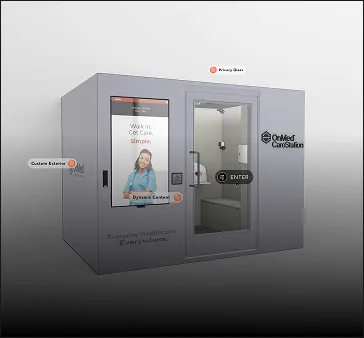
... and more
Luxury brands trust us
with products before they launch.
Bridging the gap between creative vision and mass-scale production.
Threedium Engine empowers top brands to build, deploy, and scale complex 3D experiences with ease.
Security &
Compliance
Independently audited to meet the highest global standards for information security, data integrity, and platform uptime.
- ISO 27001 — Independently certified
- SOC 2 Type II — Annually audited
- 99.9% Uptime SLA — Guaranteed reliability
- Security Reports — Available under NDA


Identity &
Access
Connect Threedium to your organization’s identity provider for secure, centralized control over team access and permissions.
- Native Okta SSO integration
- MFA Enforcement via your IdP policy
- Instant Provisioning & de-provisioning
- Role-based permissions across teams

Ownership &
Privacy
Your designs, assets, and project data are exclusively yours. We never use your data to train our shared or public models.
- Customer-Owned content, always
- No model training on your data
- Private Data Isolation per workspace
- DPA available for enterprise contracts





FAQ
How is 3D Editor organized?
Think of a Project as a folder. Most teams make one per product, collection or campaign. Inside it, you create Workspaces, and each Workspace is a 3D scene with your models plus the lighting, cameras, materials and interactions around them. You can have as many Workspaces in a Project as you need, which is handy when you want to try two looks for the same product. And when someone asks for a change six months later, you know exactly where to find it.
What can I build with it?
Product viewers, configurators, AR, virtual try-ons and 3D ads. Your customers can spin the product around, zoom in close and switch colours, sizes or materials before they buy. You only build it once, too. The same model can sit in a viewer on your product page, a configurator and an ad, without anyone redoing the work.
Do I need 3D models to start?
No. If you already have models from Blender, Maya or 3ds Max, just import them. If you don't, Julian NXT can make one from a sentence or a photo, or our 3D team can build it for you. Either way, it ends up in a Workspace and you carry on from there with materials, lighting and product options.
Do I need to know how to code?
No. You set everything up visually, by clicking and adjusting, not coding. Getting it onto your website is one embed code that you copy and paste. If you ever want a completely custom page, Coding Agents can build it around your project. In practice, your marketing or e-commerce team can run the 3D side themselves instead of waiting in the developers' queue.
How do I add it to my website?
Two clicks. Publish your Workspace, copy the embed code and paste it into your page where you want the 3D to show up, the same way you'd add a YouTube video. It loads right there on your site, so customers aren't sent anywhere else. And if you change something later, say a new material or a different camera angle, your website picks it up on its own. You don't have to embed anything again.
Does it work on mobile and in AR?
Yes. It all runs in the browser, on desktop and on phones, and nobody has to download an app. On iOS and Android, customers can tap once to see the product in AR, right in their own room. It's the easiest way to answer "will this actually fit?" before they order.
How are my 3D files protected?
We deliver your models in .TUF, a file format we built ourselves. Customers can look at your product, turn it and play with it on your website, but they can't download the file.
How does 3D Editor work with Julian NXT and Coding Agents?
Think of them as three steps of the same job. Julian NXT makes the 3D model, 3D Editor turns it into something customers can interact with, and Coding Agents build the page around it. Say you're launching a new handbag: generate it with Julian NXT, set up its colours and leathers in 3D Editor, then ask Coding Agents for a launch page. You can also use any one of them on its own.
Is 3D Editor ready for large brands?
Yes. Fendi, Rimowa and Girard-Perregaux already use it to show their products in 3D. Enterprise plans come with SSO, role-based permissions and dedicated support, and our team can help you get started, produce the 3D and set things up for large catalogues. Book a demo and we'll show you around.