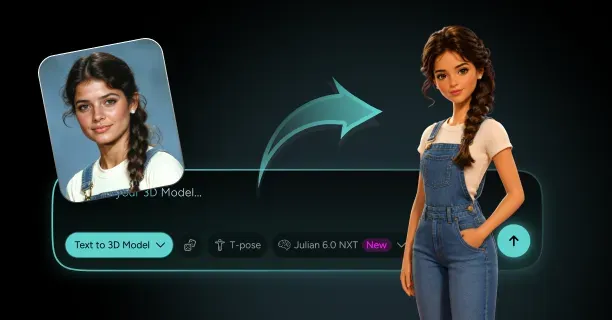
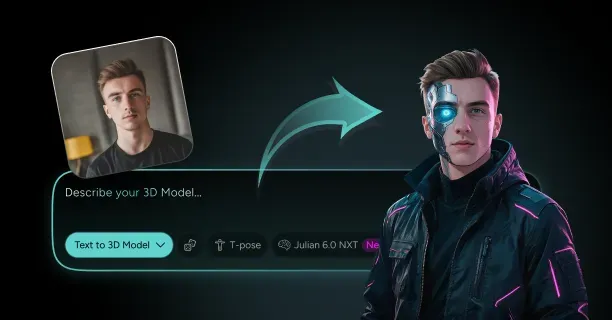

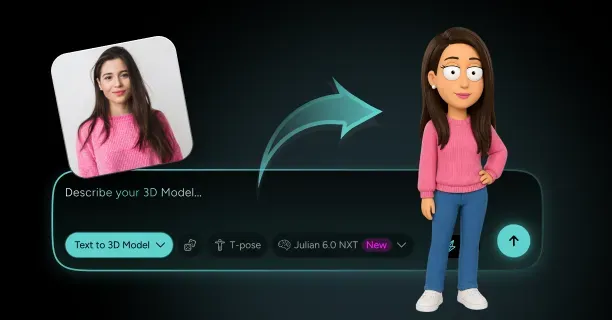
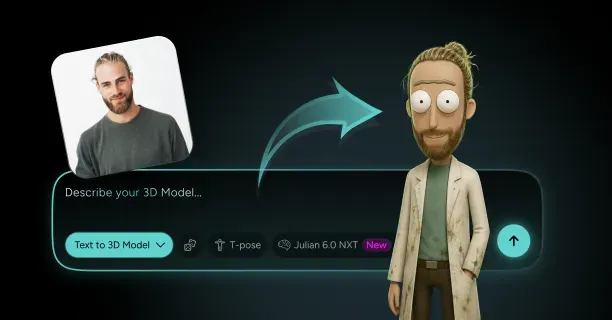



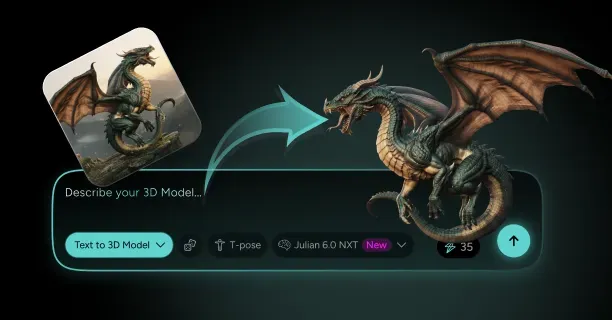
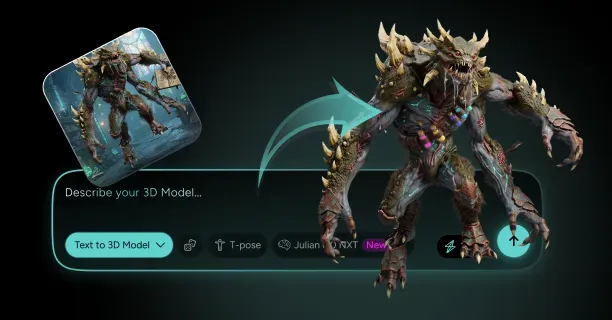
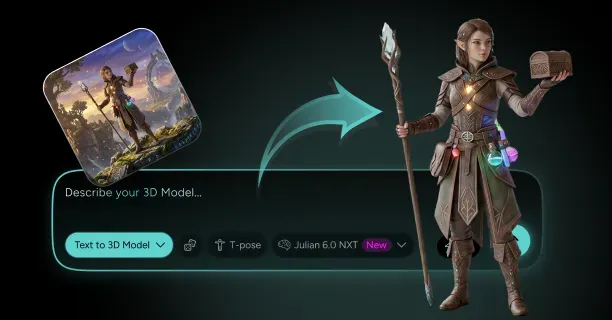

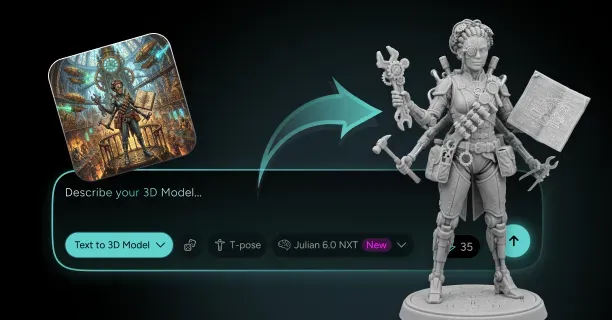
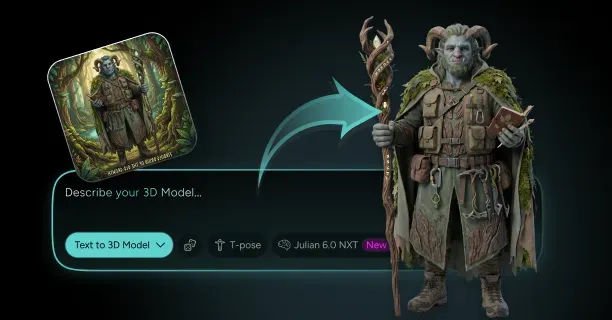
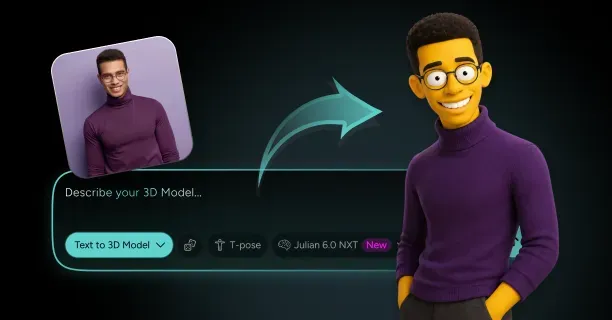

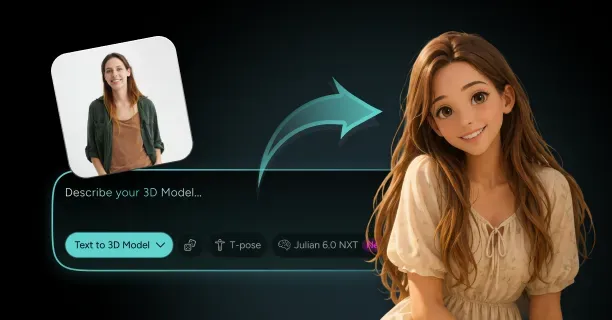
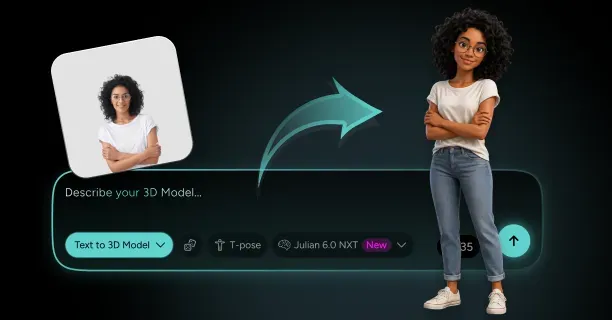

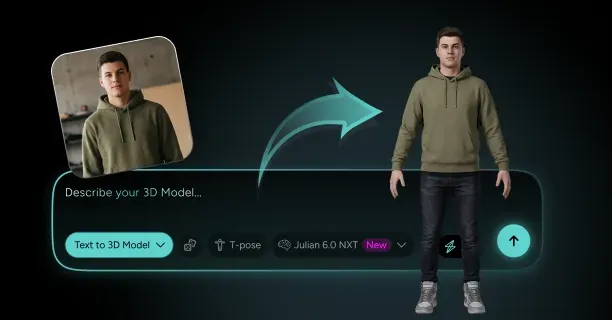
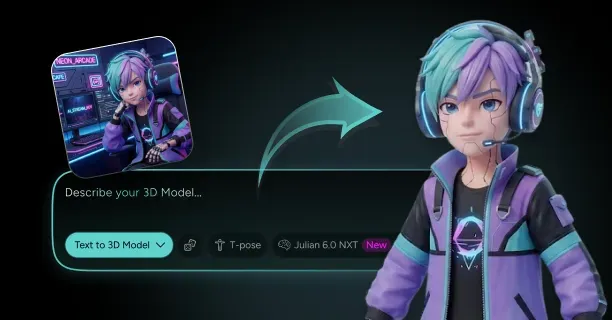
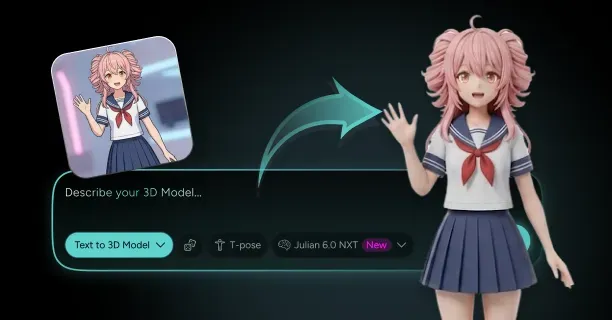
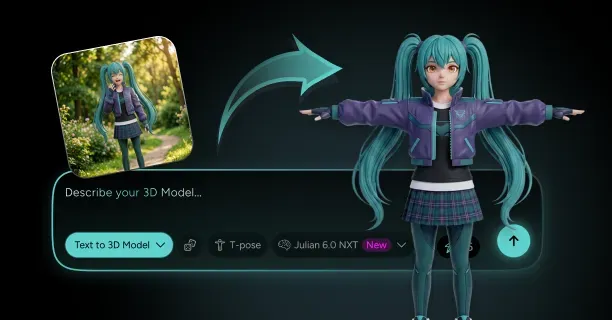


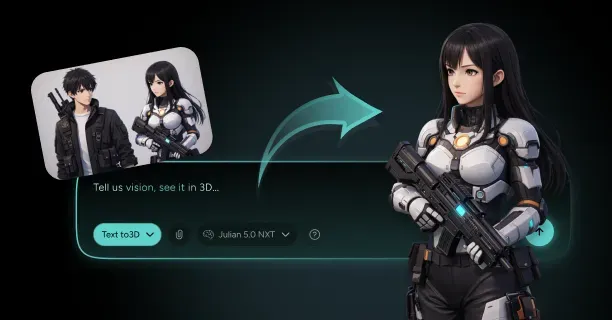
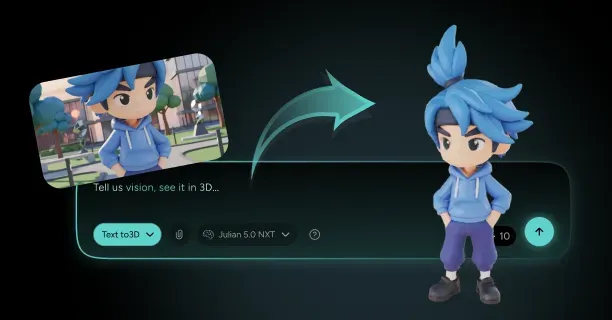
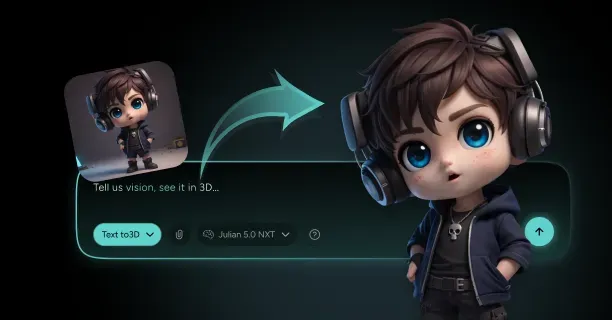
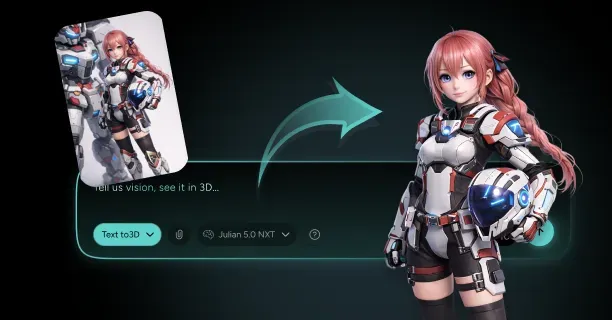


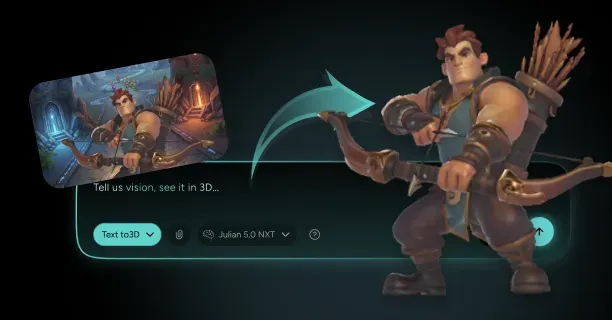
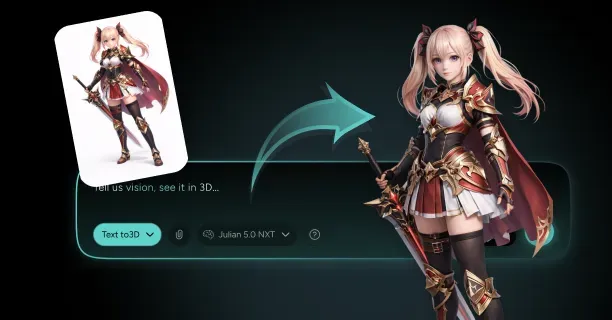
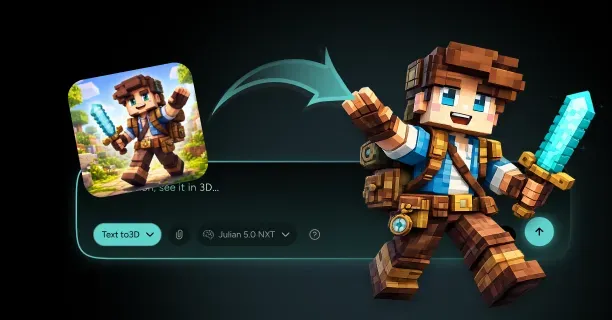

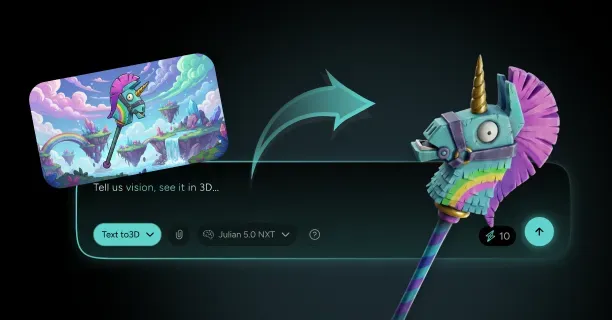






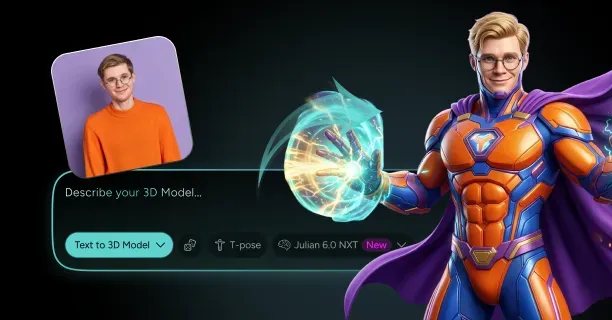
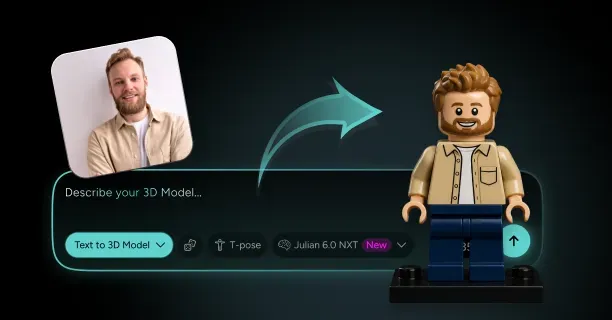
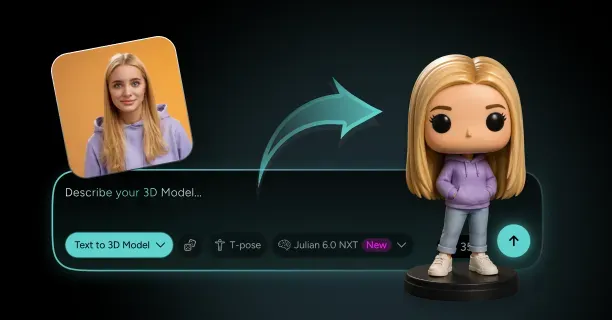
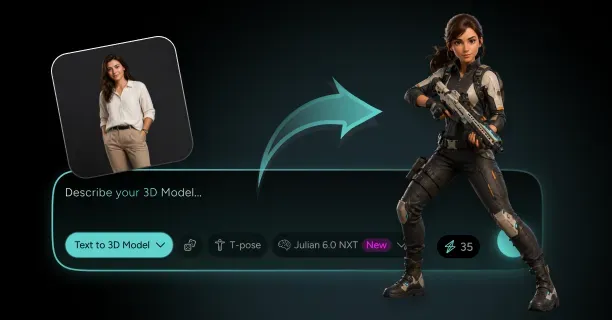
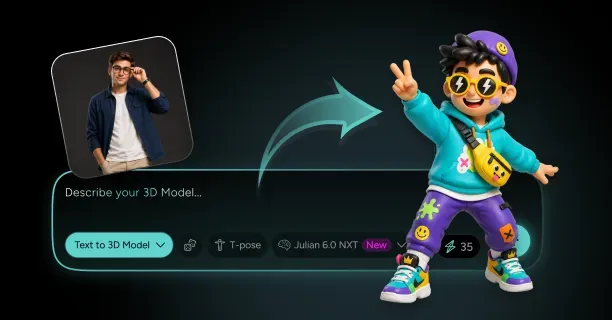
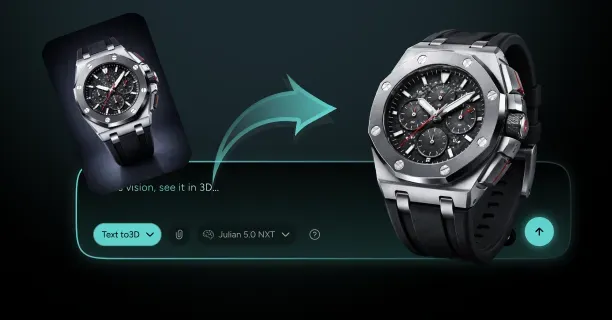
How Do You Turn Images Into Usable 3D Models In The Browser (Prompt + Upload)?
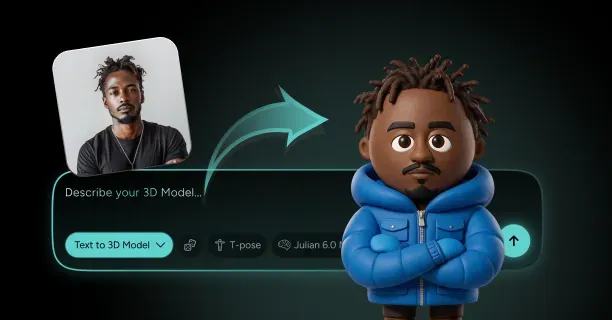
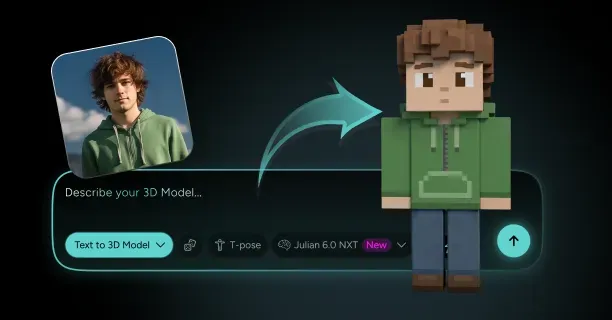
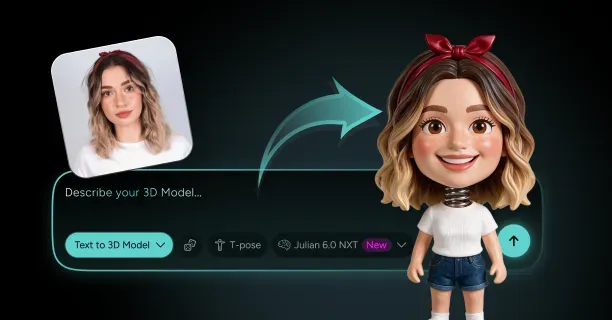
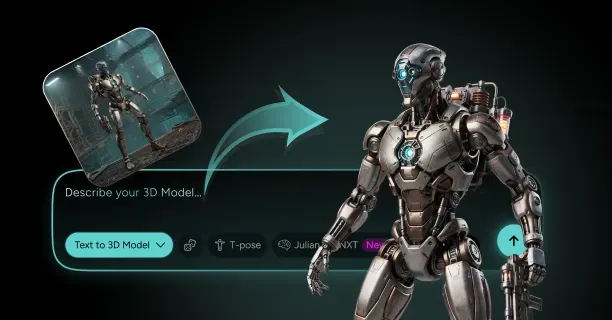
To turn images into usable 3D models in the browser, upload reference photographs or enter text prompts into a web-based platform that analyzes and reconstructs the uploaded photographs and text prompts using generative AI algorithms such as Neural Radiance Fields (NeRF) and Gaussian Splatting techniques. The browser-based system computationally reconstructs 3D geometry through Neural Radiance Fields (NeRF), a volumetric rendering technique developed by UC Berkeley and Google Research, and Gaussian Splatting techniques introduced by Inria and Max Planck Institute researchers, delivering production-ready 3D models directly to users without requiring desktop software installation.
Upload Reference Images to Start 3D Reconstruction
Users initiate the image-to-3D conversion workflow by uploading high-resolution photographs (minimum 1024×1024 pixels recommended) through the browser interface, which accepts photographic input for 3D reconstruction processing. Photogrammetry, a computer vision technique, computationally processes overlapping photographs of an object, reconstructing 3D geometry through triangulation by identifying and matching common features such as edges, corners, and texture patterns across multiple viewpoints.
Key Requirements for Optimal Results:
- Upload 10-20 high-resolution images (minimum 1024×1024 pixels)
- Capture from various angles around the subject
- Achieve accurate feature matching and precise depth estimation
- Use photogrammetric triangulation algorithms
Users should acquire 360-degree views (complete circumferential coverage) by capturing photographs of the target object from all angles around the object’s perimeter, ensuring comprehensive geometric data for complete 3D reconstruction without missing surfaces. Users should maintain consistent camera-to-subject distance and steady lighting conditions to avoid shadows and reflections that interfere with photogrammetric reconstruction algorithms such as Structure-from-Motion (SfM) and feature-matching processes, which rely on consistent visual characteristics across multiple images.
Important: Users should ensure that consecutive images maintain 60-70% visual overlap, enabling accurate photogrammetric triangulation using epipolar geometry to match corresponding feature points across images, thereby forming a comprehensive 3D model with minimal geometric gaps or surface distortions.
Generative AI Powers Browser-Based 3D Synthesis
The browser-based conversion process employs generative AI models including Neural Radiance Fields (NeRF) and diffusion-based 3D generators to process and extract features from uploaded photographs, synthesizing complete three-dimensional representations with volumetric geometry and surface texture information.
Neural Radiance Fields (NeRF) Specifications:
| Component | Details |
|---|---|
| Introduction | 2020 ECCV paper by Mildenhall et al. |
| Developers | University of California Berkeley and Google Research |
| Architecture | Multilayer perceptron neural network |
| Function Type | Continuous 5D function |
| Parameters | 5-10 million trainable parameters |
| Coordinates | (x,y,z) spatial location + (θ,φ) viewing angles |
These Neural Radiance Field models contain millions of trainable parameters (typically 5-10 million) that encode intricate subject details ranging from surface textures and material properties to geometric variations and fine-scale features, enabling the system to interpolate and synthesize novel viewing perspectives that the input camera never photographed during the capture process.
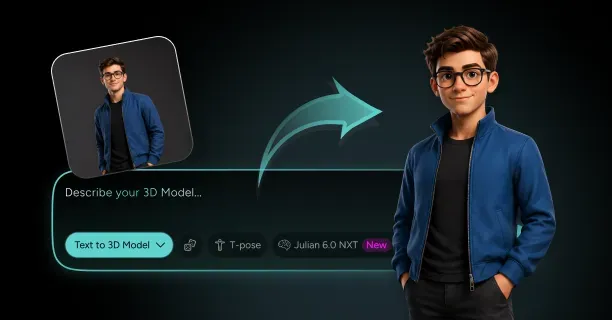
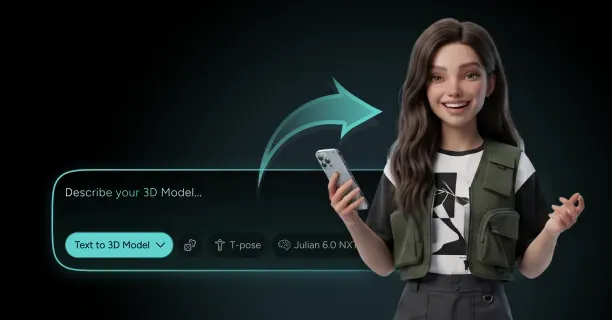
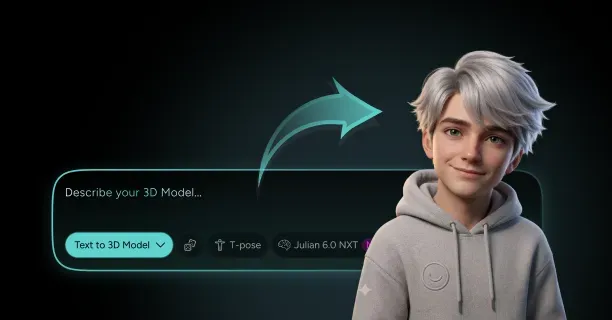
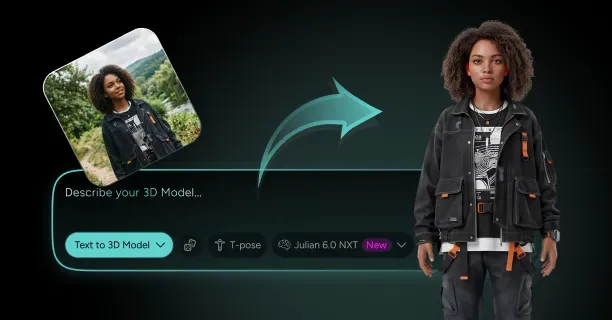
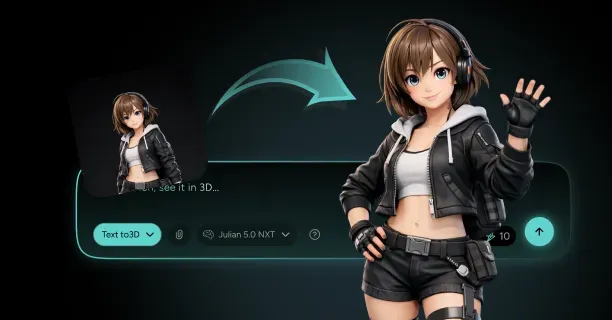
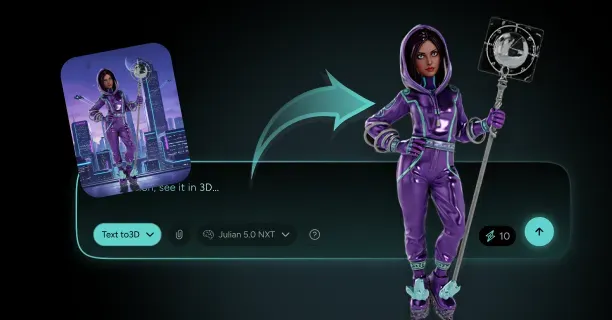
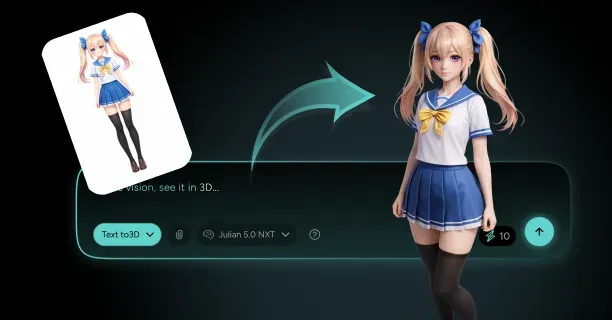
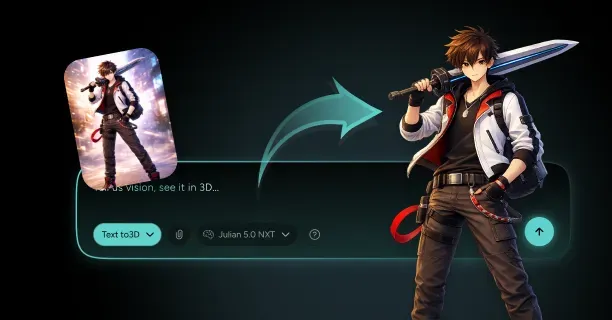
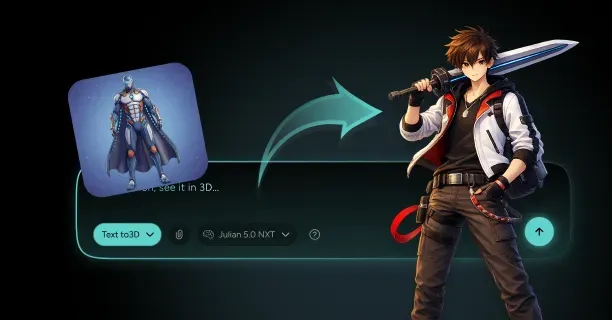
Users can synthesize 3D geometry from natural language text prompts processed by transformer-based language models by augmenting photographic input with semantic natural language descriptions that guide the AI generation process and provide contextual information about desired attributes, style, and geometry completion. Users upload a single reference image and provide a descriptive text prompt such as ‘full body, standing pose, anime style’ to direct the generative AI model using diffusion or NeRF-based architecture in generating complete 3D geometry beyond what the reference image depicts, reconstructing occluded and hidden areas or extending partial views into complete models with inferred back-facing surfaces.
Neural Radiance Fields Synthesize Novel Viewpoints
Neural Radiance Fields (NeRF) render novel 3D scene views by optimizing a multilayer perceptron (MLP) neural network to predict RGB color values and volumetric density coefficients for any point in 3D space defined by (x,y,z) coordinates, enabling photorealistic view synthesis from arbitrary camera positions.
NeRF Processing Workflow:
- Input: 3D spatial coordinates (x,y,z) and viewing directions (θ,φ)
- Processing: Trained NeRF network analysis
- Output: RGB color values and volumetric density coefficients
- Application: Volume rendering calculations
Differentiable volumetric rendering using numerical integration serves as the foundational technique of Neural Radiance Fields (NeRF), enabling the training system to optimize model parameters by computing photometric loss through comparing rendered outputs against input photographs and backpropagating gradient errors through the neural network using automatic differentiation.
The Neural Radiance Field methodology encodes volumetric representations that capture density and radiance throughout the entire 3D space rather than only modeling visible surface geometry, enabling the representation of:
- Semi-transparent materials
- Participating media like fog or smoke
- View-dependent effects
The NeRF neural network encodes semi-transparent materials with opacity gradients, fine geometric details such as individual hair strands or fabric weave patterns, and complex lighting effects including subsurface scattering, specular reflections, and view-dependent appearance, enabling photorealistic rendering from arbitrary viewpoints that extend beyond the original camera positions used during training.
Training Requirements: NeRF models typically undergo 50-150 training iterations (requiring 2-8 hours on modern GPUs like NVIDIA RTX 3090) to achieve convergence on photorealistic quality, with each gradient descent iteration progressively refining the neural network’s spatial density and RGB color predictions through backpropagation of photometric loss.
Gaussian Splatting Accelerates Real-Time Browser Rendering
Gaussian Splatting models 3D scenes using millions of ellipsoidal primitives called ‘splats’ (typically 100,000 to 5 million), each parameterized by:
- A 3D position vector
- A 3×3 covariance matrix defining ellipsoid shape and orientation
- An opacity value (0-1)
- Spherical harmonic coefficients encoding view-dependent color
Performance Comparison:
| Technology | Rendering Speed | Hardware Requirements |
|---|---|---|
| Gaussian Splatting | 30-60 FPS | Consumer hardware with integrated/mid-range GPUs |
| Neural Radiance Fields | 0.5-2 FPS | High-end GPUs |
| Performance Improvement | 15-120× faster | Significant efficiency gain |
By optimizing the parameters of thousands to millions of Gaussian primitives (including 3D position, covariance, opacity, and spherical harmonic coefficients) through stochastic gradient descent, Gaussian Splatting balances photorealistic visual fidelity with computational efficiency, maintaining smooth real-time performance on consumer hardware including integrated graphics processors such as Intel Iris Xe or AMD Radeon integrated GPUs.
The Gaussian Splatting technique, presented by researchers at Inria (French Institute for Research in Computer Science and Automation) and the Max Planck Institute for Informatics in their SIGGRAPH 2023 paper ‘3D Gaussian Splatting for Real-Time Radiance Field Rendering,’ attains real-time performance by rasterizing Gaussian splat primitives directly to 2D screen space using GPU rasterization pipelines rather than computationally expensive volume rendering with ray marching.
Interactive Performance: Users can interactively manipulate and examine the 3D model in real-time during the generation process, with the browser rendering engine refreshing the view within 16-33 milliseconds per frame (equivalent to 30-60 frames per second), enabling smooth rotation, panning, and zooming interactions without perceptible lag.
WebGL and WebGPU Enable GPU-Accelerated 3D Processing
WebGL (Web Graphics Library) and WebGPU, graphics APIs standardized by the Khronos Group and W3C respectively, enable direct Graphics Processing Unit (GPU) access for hardware-accelerated 3D rendering within web browsers, obviating the need for specialized desktop applications and enabling cross-platform 3D workflows.
Standards and Performance:
| API | Standardized By | Performance vs Native |
|---|---|---|
| WebGL | Khronos Group | 70-90% of native C++ performance |
| WebGPU | W3C GPU for the Web Community Group | 70-90% of native C++ performance |
WebGPU provides more granular GPU feature control including:
- Compute shaders
- Storage buffers
- Pipeline state management
This accelerates AI model inference and 3D reconstruction algorithms through massively parallel processing across thousands of GPU shader cores, with modern GPUs such as NVIDIA RTX 4090 or AMD RX 7900 XTX containing 2,000-10,000 CUDA or stream processor cores that execute thousands of threads simultaneously.
WebGPU Compute Operations:
- Photogrammetry calculations including feature matching and bundle adjustment
- Depth map generation through stereo correspondence algorithms
- Mesh optimization algorithms such as Laplacian smoothing and edge collapse decimation
Performance Advantage: WebGPU compute shaders provide 10-100× speedup over CPU execution by leveraging parallel processing capabilities directly on the graphics processing unit (GPU).
The WebGPU API implements advanced graphics features including:
- Ray tracing acceleration structures such as Bounding Volume Hierarchies (BVH)
- Mesh shaders for programmable geometry processing
- Path-traced global illumination
- Real-time reflections
- Procedural mesh generation
WebAssembly Executes Complex Computations at Native Speed
WebAssembly (WASM), a binary instruction format standardized by W3C, enables near-native code execution within web browsers, executing computationally intensive 3D reconstruction algorithms including:
- Structure-from-Motion (SfM)
- Multi-View Stereo (MVS)
- Mesh processing
Performance Metrics:
| Comparison | Speed Improvement | Performance vs Native |
|---|---|---|
| WASM vs JavaScript | 10-20× faster | Significant improvement |
| WASM vs Native C++ | 80-95% performance | Near-native speed |
Performance-critical code sections written in languages such as C, C++, or Rust compile to WebAssembly bytecode through toolchains like Emscripten or wasm-pack, executing at speeds comparable to natively compiled C++ desktop applications and typically attaining 80-95% of native x86-64 machine code performance according to compute-intensive benchmarks including matrix operations and cryptographic algorithms published by the WebAssembly Community Group.
Integrated Platform: Integrating WebAssembly for CPU-intensive computational tasks such as photogrammetry calculations and mesh processing with WebGPU for GPU-accelerated graphics operations including rendering and neural network inference establishes a high-performance platform for browser-based 3D generation that approaches native desktop application capabilities without requiring software installation.
Threedium’s Platform Integration:
- Photogrammetry algorithms for initial sparse geometry estimation
- Neural Radiance Fields (NeRF) for volumetric detail refinement and view synthesis
- Gaussian Splatting for real-time efficient rendering at 30-60 FPS
- WebAssembly compute modules coordination
- WebGPU graphics APIs acceleration for optimal CPU-GPU workload distribution
Text Prompts Guide AI-Sculpting of 3D Geometry
Prompt-driven 3D generation refers to an AI-powered workflow where users generate or edit 3D models by providing natural language text inputs (prompts) that describe desired attributes, geometry, style, and appearance, which generative AI models interpret and translate into three-dimensional geometric and texture representations.
Example Workflow:
- User Input: ‘muscular warrior character with detailed armor and battle scars’
- AI Processing: Transformer-based architectures process user intent
- Training Data: Millions of 3D models paired with textual descriptions from sources like Objaverse, ShapeNet
- Output: Semantic mappings between linguistic concepts and geometric features
This AI-sculpting process iteratively optimizes vertex positions, surface normals, and texture UV coordinates through gradient-based optimization (typically 50-200 iterations) to minimize the alignment loss between generated geometry and the provided textual specifications, providing enhanced creative control and geometric accuracy when combined with photographic reference input that constrains the solution space.
AI System Architecture:
| Component | Description | Specifications |
|---|---|---|
| Language Model | Transformer-based (GPT-like) | Multi-head self-attention mechanisms |
| Embedding Vectors | High-dimensional latent representations | 512-1024 dimensional |
| Conditioning | Semantic guidance for geometry synthesis | Integrated with 3D generation network |
Controllable Attributes:
- Pose descriptors: ‘standing with arms crossed’ controlling skeletal joint angles
- Style specifications: ‘low-poly game asset’ constraining polygon count to 1,000-5,000 triangles
- Material properties: ‘metallic finish with rust’ setting PBR roughness and metallic values
The AI maps these semantic concepts into concrete geometric parameters such as vertex positions and mesh topology, and appearance parameters including albedo colors, roughness maps, and normal map details.
The 3D Reconstruction Pipeline Processes Your Input Systematically
The 3D reconstruction pipeline systematically transforms user inputs including uploaded photographs and text prompts into production-ready 3D models through five sequential processing stages:
- Input analysis and preprocessing
- Sparse reconstruction
- Dense reconstruction
- Mesh generation
- Texture mapping
Stage 1: Input Analysis and Preprocessing
Users submit photographic images or input descriptive text prompts, initiating the system’s automatic analysis of input characteristics including:
- Image resolution (minimum 1024×1024 pixels recommended)
- Subject matter classification using computer vision models
- Lighting condition assessment detecting directional light sources, ambient illumination levels, and shadow patterns
Stage 2: Sparse Reconstruction
The platform preprocesses photographs by:
- Detecting features using algorithms like SIFT (Scale-Invariant Feature Transform) or ORB (Oriented FAST and Rotated BRIEF)
- Estimating camera positions through structure-from-motion
- Constructing a sparse point cloud containing 10,000-100,000 points representing approximate 3D structure
Stage 3: Dense Reconstruction
The system densifies initial reconstruction by:
- Applying neural network-based depth estimation
- Creating depth maps with 512×512 or 1024×1024 resolution
- Merging into consistent volumetric representation using NeRFs or Gaussian Splatting
Stage 4: Mesh Generation
The volumetric representation converts to explicit mesh through:
- Marching cubes isosurface extraction
- Direct mesh prediction networks
- Producing geometry with 5,000-50,000 polygons compatible with standard 3D software
Texture Generation Captures Surface Appearance from Images
Your photographs provide both geometric and color data defining the model’s surface appearance through automated texture mapping. The reconstruction system projects input images onto the generated 3D geometry, sampling pixel colors and transferring them to texture maps with resolutions ranging from 1024×1024 to 4096×4096 pixels.
Texture Processing Methods:
- Weighted averaging based on viewing angle and image quality metrics
- Best-quality pixel selection for photorealistic textures
- Minimal seams or distortions through AI blending
The texture generation process accounts for lighting variations by estimating and removing illumination effects, producing diffuse color maps independent of lighting conditions.
Additional Texture Maps:
| Map Type | Purpose | Specifications |
|---|---|---|
| Normal maps | Surface detail encoding | 8-16 bits per channel |
| Roughness maps | Surface glossiness definition | Variable resolution |
| Ambient occlusion maps | Shadow capture in surface crevices | Enhanced depth perception |
Quality Control: Adjust texture resolution and map types through browser controls to balance quality and performance, with higher resolutions increasing file size by 4× for each doubling of resolution.
Real-Time Preview Shows Your Model During Generation
Monitor the 3D generation through a real-time preview window that updates every 2-5 seconds as the AI refines its reconstruction. The browser interface displays intermediate results using progressive rendering techniques, gradually increasing:
- Polygon count: From 1,000 to 50,000 triangles
- Texture resolution: From 256×256 to 2048×2048 pixels
Interactive Controls:
- Rotate, zoom, and pan around your emerging model
- Mouse controls or touch gestures
- Inspect reconstruction from any angle
- Identify areas requiring additional input images or prompt refinement
WebGL Rendering Features:
- Realistic lighting through physically-based rendering (PBR) shaders
- Accurate representation of final output quality
- Various lighting conditions simulation
Interactive Editing Tools:
- Geometry refinement through vertex manipulation
- Texture mapping adjustments by repositioning UV coordinates
- Material property modifications by adjusting metallic and roughness values
Export Formats Make Your Models Work Across 3D Platforms
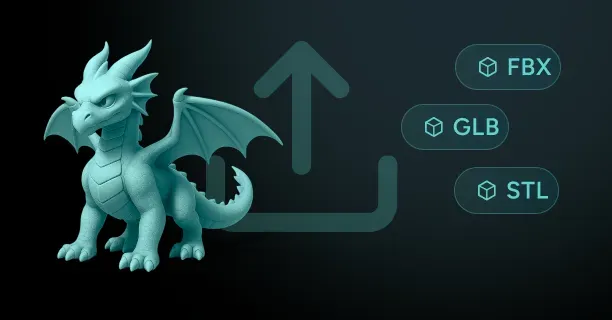
Download your completed 3D model in industry-standard formats, keeping it compatible with target applications across game engines, 3D software, and web platforms.
Available Export Formats:
| Format | Full Name | Best Use Case | Features |
|---|---|---|---|
| FBX | Filmbox | Animation and rigging | Supports animations and rigging |
| OBJ | Wavefront Object | Static meshes | Widely compatible |
| GLTF | GL Transmission Format | Web and real-time applications | Optimized for web |
| USD | Universal Scene Description | Production pipelines | Industry standard |
Export Configuration Features:
- Properly named material slots following software naming conventions
- Logically grouped mesh elements organized by object hierarchy
- Correctly scaled geometry matching target application units (meters, centimeters, or inches)
Download Process: The browser downloads files directly to local storage within 5-30 seconds depending on model complexity, maintaining creative control and intellectual property without requiring remote server persistence beyond the generation process.
Threedium’s Export System:
- Automatically includes embedded textures in GLTF files
- Generates separate texture files for FBX and OBJ formats
- Ensures all surface appearance data transfers correctly to your 3D modeling software or game engine
- Maintains compatibility across platforms and applications
Which 3D Model Category Do You Need: Characters, Game Assets, Avatars, Or Platform-Ready Exports?
Which 3D model category your digital production project requires depends on your specific technical requirements: Characters for narrative-focused productions with expressive animation needs, Game Assets for real-time interactive experiences requiring consistent 60+ FPS performance, Avatars for social virtual environments with user customization systems, or Platform-Ready Exports for immediate integration into established software workflows. Each 3D model category specializes in solving distinct production challenges, ranging from animation fidelity to real-time performance optimization, and generates different technical outputs in terms of polygon count, texture resolution, and rendering efficiency.
Characters
High-fidelity 3D character models excel in narrative-focused productions such as:
- Animated films
- Cinematic game sequences
- Story-driven VR experiences
These models provide animators with expressive facial animation systems and detailed visual storytelling capabilities to convey emotional depth and character personality.
Production teams should select character model categories when their digital content projects require motion capture-based facial performance systems, geometrically complex costume meshes with layered clothing elements, or high-fidelity cinematic animation sequences for film-quality visual output.
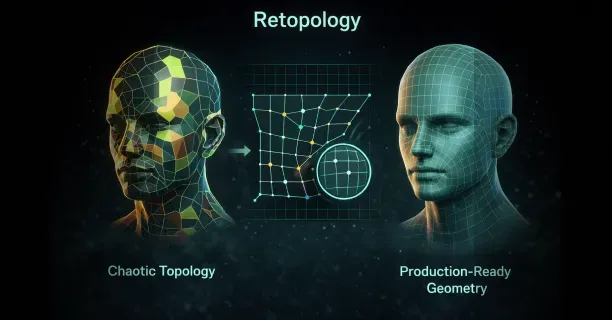
Character topology, the strategic arrangement and directional flow of polygon edge loops across a 3D model’s surface geometry, determines deformation quality during skeletal animation by ensuring that:
- Skin meshes bend naturally at joint locations such as elbows and knees
- Facial polygon regions compress and stretch realistically to simulate muscle movement
- Facial expressions maintain anatomical accuracy during animation
| Character Model Specifications | Details |
|---|---|
| Polygon Count | 100,000 to 500,000 polygons |
| Mesh Density | Concentrated in camera-visible anatomical regions |
| Facial Blend Shapes | 50 to 150 blend shapes for expressive animation |
| Texture Resolution | 4K texture maps (4096×4096 pixels) for facial features |
Skeletal rigging systems, digital bone structures embedded within 3D character models, govern character movement and animation through hierarchical bone chains that calculate vertex weighting values. This process assigns weighted influence percentages from multiple skeletal bones to generate smooth, natural-looking joint deformations during animated motion sequences.
Advanced material systems implement subsurface scattering shader technology, a rendering technique that simulates realistic light penetration and diffusion beneath skin surface layers to generate the translucent visual quality observable in thin tissue areas such as ear cartilage and nostril edges.
Production teams developing the following should select high-fidelity character models:
- Animated feature films
- Cinematic visual effects sequences for live-action productions
- Narrative-driven video games featuring pre-rendered non-interactive cutscenes
Game Assets
Game asset 3D models are specifically optimized for real-time rendering engines such as Unity and Unreal Engine, where maintaining consistent frame rates of 60+ frames per second directly determines gameplay smoothness and interactive playability across target gaming hardware platforms.
Game developers and interactive content creators should select game asset models when building real-time interactive experiences such as video games, interactive simulations, or VR applications that require consistent performance of 60 or more frames per second across diverse target hardware platforms.
Platform-specific polygon budgets determined by hardware rendering capabilities:
| Platform | Polygon Budget |
|---|---|
| Mobile Gaming (iOS, Android) | 5,000 to 15,000 triangles per character |
| Desktop PC Games | 30,000 to 80,000 triangles per character |
| Current-Gen Consoles (PS5, Xbox Series X/S) | 50,000 to 150,000 triangles for hero characters |
Environmental props and scene objects receive proportional polygon budgets:
- Background objects (distant furniture, decorative elements): 500 to 2,000 triangles
- Featured interactive items (weapons, key gameplay objects): 10,000 to 25,000 triangles
Normal mapping technology compensates for reduced polygon geometry by transferring high-resolution surface detail information from complex sculptural models into specialized RGB texture files. The workflow includes:
- Sculpting fine surface detail on high-resolution models (2 to 10 million polygons)
- Projecting surface angle information onto optimized low-polygon game meshes
- Creating visual illusion of geometric complexity via real-time per-pixel lighting calculations
Physically-based rendering (PBR) workflows standardize material appearance consistency across varying lighting environments using specialized texture map sets:
- Albedo (base color)
- Metallic (conductor vs. dielectric)
- Roughness (surface microsurface variation)
- Normal (surface angle)
Level of Detail (LOD) optimization systems consist of of 3 to 5 progressively simplified mesh variants per object:
| Camera Distance | Triangle Count | Usage |
|---|---|---|
| Close Proximity (0-10 meters) | 75,000 triangles | Full detail rendering |
| Medium Distance (10-30 meters) | 25,000 triangles | Reduced detail |
| Far Distance (30+ meters) | 5,000 triangles | Silhouette mesh |
Content creators should select game asset models when developing projects for:
- Real-time game engines (Unity, Unreal Engine)
- User-generated gaming platforms (Fortnite Creative Mode)
Avatars
Avatar 3D models serve as digital representations of user identity within social virtual environments, prioritizing:
- Extensive customization systems for personal expression
- Cross-platform compatibility standards
- Consistent digital identity across multiple software ecosystems
Platform developers and content creators require avatar model systems when building social virtual reality applications, metaverse platforms, or VTuber streaming setups where end-users customize and personalize their digital appearance.
Avatar customization systems implement modular personalization through:
- Parametric blend shape slider interfaces controlling facial feature variations
- Mathematical interpolation between pre-defined geometric extremes
- Anatomical parameter adjustment (nose width, eye spacing, jawline contour)
Avatar body proportion customization employs skeletal scaling techniques that:
- Modify individual bone lengths for height and width adjustments
- Maintain anatomical plausibility through mathematical constraint systems
- Prevent impossible anatomical configurations
Avatar clothing customization systems implement layered mesh techniques where garment objects exist as separate geometry layers through:
- Skinning weight deformation (vertex binding to skeletal bones)
- Real-time physics simulation (cloth dynamics calculating fabric draping)
Avatar model polygon budgets are platform-constrained:
| Platform Type | Triangle Budget | Examples |
|---|---|---|
| Mobile Social Platforms | 7,500 triangles | VRChat Mobile, Rec Room Mobile |
| Desktop VR Applications | 20,000 triangles | VRChat Desktop, Spatial |
Avatar facial animation systems integrate with motion tracking hardware:
- Standard webcams: Computer vision algorithms analyzing facial landmark positions
- VR headsets: Embedded infrared cameras capturing mouth articulation and eye movements
The Threedium 3D model generation platform produces avatar models with automatic multi-platform compatibility for:
- VRChat (social VR platform)
- Metaverse environments (Decentraland, Spatial, Horizon Worlds)
- VTuber streaming applications (VSeeFace, VTube Studio)
Platform developers should select avatar models when project design prioritizes:
- Enabling user self-expression through customization
- Facilitating social interaction through expressive animation
- Maintaining persistent digital identity across virtual environments
Platform-Ready Exports
Platform-ready export models provide pre-configured 3D asset files specifically formatted for target software ecosystems with:
- Platform-optimized technical specifications
- Appropriate file formats and coordinate system conventions
- Material configurations and metadata structures
- Immediate integration capability without manual conversion
Development teams and technical artists should select platform-ready export models when integrating 3D assets into established production pipelines and existing studio workflows that require conformance to particular file format standards.
Platform-specific configurations:
| Target Platform | File Format | Axis Orientation | Special Features |
|---|---|---|---|
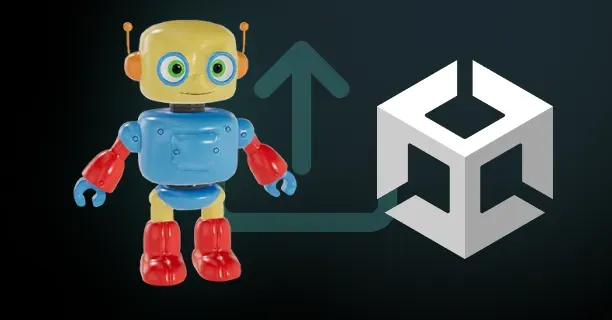
| Unreal Engine | FBX (.fbx) | Z-up axis | PBR parameter naming, skeletal mesh structures |
| Unity | FBX (.fbx) | Y-up axis | Prefab hierarchies, LOD Group components |
| Blender | Native (.blend) | Z-up axis | Non-destructive modifier stacks preserved |
| Maya | FBX/MA (.fbx/.ma) | Y-up axis | Hierarchical joint chains, IK solver setups |
Web 3D framework optimizations for Three.js and WebGL prioritize:
- Aggressive file size compression for fast loading times
- Binary .glb files sized under 5 megabytes
- Multiple optimization techniques: - Texture downsampling (1024×1024 or 512×512 pixels) - Mesh decimation (polygon reduction while preserving silhouette) - Draco geometry compression (90% vertex data size reduction)
KTX2 texture container format with Basis Universal encoding provides:
- ASTC compression for mobile devices (iOS, Android)
- BC7 compression for desktop systems (Windows, Linux)
- PVRTC for older iOS devices
- 75-90% texture download size reduction compared to uncompressed PNG
Platform-ready exports automatically configure:
- Material systems and shader setups for each target software
- Texture map connections pre-wired to platform-specific inputs
- Collision mesh geometry for game engine physics systems
- Simplified convex hull approximations (50 to 200 triangles)
Production teams should select platform-ready exports when projects require:
- Immediate asset integration into production software environments
- Elimination of time-consuming manual file format conversion
- Streamlined production workflows and reduced technical artist workload
- Import-ready assets that function correctly upon first import
By systematically aligning specific project objectives including narrative storytelling requirements, real-time performance constraints, user customization features, or production pipeline integration needs against the detailed technical specifications of each 3D model category, development teams can identify and select the optimal 3D model type that best satisfies their project’s unique combination of creative goals and technical constraints.
Each 3D model category specializes in distinct production priorities:
- Character models: Expressive facial animation and high-fidelity deformation for narrative storytelling
- Game Assets: Polygon budget optimization and LOD systems for real-time performance
- Avatars: User identity expression through customization and cross-platform social presence
- Platform-Ready Exports: Seamless technical integration with pre-configured files
This enables development teams to select the category that aligns with their project’s primary technical and creative requirements.