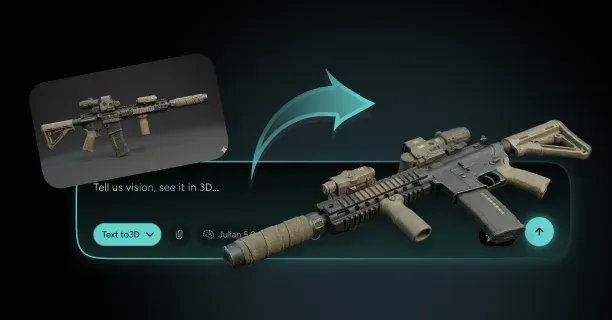
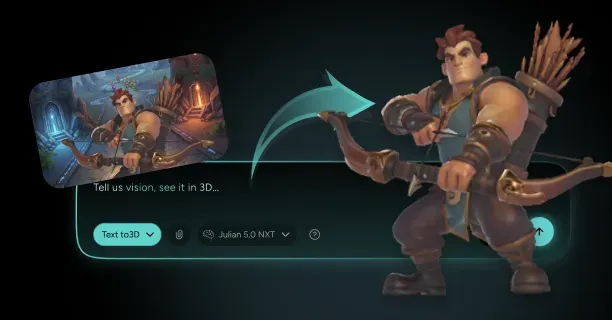
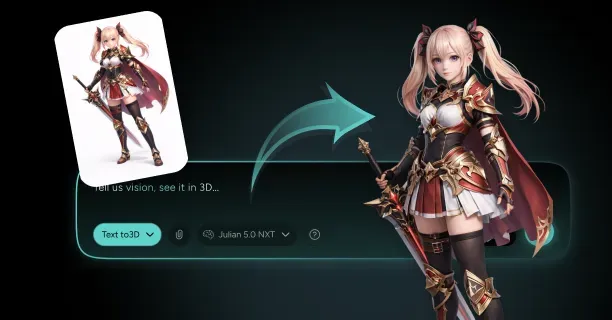
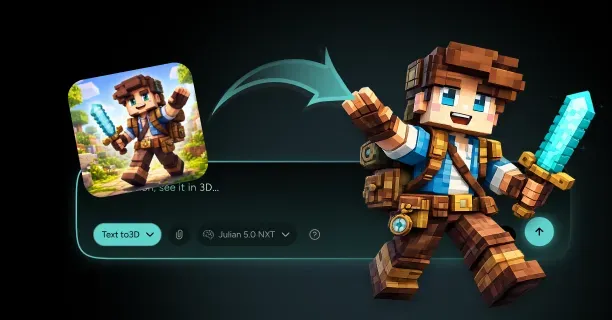
How Do You Create Game-Ready 3D Assets From Images (Mesh, Materials, Performance)?
Creating game-ready 3D assets from images involves acquiring overlapping photographs through multi-angle photography, computationally reconstructing them via photogrammetry software to generate a 3D mesh, reducing polygon density for real-time rendering through topology optimization, and authoring PBR materials with texture maps that meet performance budgets for the specific real-time rendering platform (Unity, Unreal Engine, or Godot).
Photogrammetry Mesh Generation
Acquire a series of overlapping photos of the physical object being digitized from different angles, ensuring through systematic capture that each consecutive image maintains spatial overlap of 60-80% with the previous photographic frame to facilitate algorithmic feature matching.
Close-range photogrammetry computationally derives geometric properties of three-dimensional physical objects from photographic images by processing through computer vision algorithms the visual data captured from at least two different camera positions. This dual-perspective requirement (capturing from at least two camera locations) enables the software to triangulate and reconstruct 3D geometry through parallax, the apparent displacement resulting from observer viewpoint change.
Import and process through photogrammetry reconstruction software like:
- Agisoft Metashape (commercial photogrammetry software developed by Agisoft LLC)
- RealityCapture (commercial photogrammetry software developed by Capturing Reality, Epic Games)
The software employs algorithmically these previously identified tie points to compute through geometric intersection the 3D position of each camera through epipolar geometry, a mathematical framework formalized by Longuet-Higgins (1981) that mathematically limits the feature matching search space by defining the geometric relationship of intrinsic projective geometry between image pair views.
From these calculated camera positions, the software reconstructs through dense matching a dense point cloud by algorithmically estimating depth information for millions of additional surface points applying computational Multi-View Stereo (MVS) algorithms:
- PMVS (Patch-based Multi-View Stereo)
- CMVS
- SGM (Semi-Global Matching)
The mesh generation process topologically links through meshing algorithms neighboring points located in the dense point cloud to construct as a continuous surface tessellated into polygonal faces:
- Poisson surface reconstruction
- Delaunay triangulation
- Ball-pivoting algorithm
Topology Optimization and Retopology
Execute geometric retopology to reconstruct with optimized topology the mesh with an optimized polygon structure that preserves perceptual visual fidelity while minimizing GPU computational overhead, since raw photogrammetry meshes are characterized by excessive polygon counts unsuitable for real-time rendering at interactive frame rates (30-60+ FPS).
Manual retopology requires artists to manually create a new mesh modeling from scratch over the high-resolution scan using quad-based structure (mesh composed primarily of four-sided polygons, preferred for subdivision and animation) that conforms to the geometric natural contours and aligns with edge loops (continuous sequences of edges forming loops around geometric features) corresponding to the scanned object’s geometric features.
Automated retopology tools available in 3D software packages:
| Software | Tool | Description |
|---|---|---|
| ZBrush | ZRemesher | Digital sculpting software by Pixologic/Maxon |
| Blender | Built-in tools | Free open-source 3D creation suite by Blender Foundation |
| Specialized plugins | Quad Remesher, Instant Meshes, TopoGun | Accelerate retopology through computational automation |
Level of Detail (LOD) Systems
Ensure implementation of an appropriate level of detail (LOD) system for the 3D asset mesh, authoring sequential multiple mesh versions representing the same asset with progressively lower polygon counts per LOD level.
| LOD Level | Distance Range | Polygon Reduction | Usage |
|---|---|---|---|
| LOD0 | 0-10m | Full detail | Highest quality mesh, close camera range |
| LOD1 | 10-30m | ~50% reduction | Medium viewing distance |
| LOD2 | 30-100m | ~75% reduction | Far viewing distance |
| LOD3 | 100m+ | ~87.5% reduction | Distant viewing distance |
Typical LOD reduction guideline: 50% polygon decrease per LOD level. A 20,000-triangle LOD0 reduces to 10,000-triangle LOD1, 5,000-triangle LOD2, and 2,500-triangle LOD3.
Threedium’s technology automatically implements platform-specific optimization presets that optimize and set polygon budgets, texture resolutions, and LOD settings in compliance with the specified target game engine requirements:
- Unreal Engine (Epic Games’ game engine: UE4, UE5)
- Unity (Unity Technologies’ game engine: Unity 2021+)
- Other platforms (Godot, CryEngine, Amazon Lumberyard)
Polygon Budget Guidelines
Target polygon counts are determined dynamically by multiple factors including asset importance and platform constraints:
| Asset Type | Polygon Budget | Platform Target |
|---|---|---|
| Background props | 500-2,000 triangles | All platforms |
| Hero weapons | 5,000-15,000 triangles | Current-gen consoles |
| Main characters | 15,000-50,000 triangles | PlayStation 5/Xbox Series X |
UV Layout and Texture Mapping
Author and optimize UV layouts that:
- Reduce geometric texture distortion
- Optimize for efficient texture space utilization
- Strategically position seams away from visually prominent areas
UV layouts are 2D coordinate mappings of 3D mesh surfaces for texture application. Distortion types to avoid include:
- Stretching
- Compression
- Shearing
Important: Game engines mandate non-overlapping UVs for lightmap baking (pre-computing static lighting into textures), so author a dedicated secondary UV channel (UV set 1) with unique, non-overlapping UV islands when the 3D model uses baked lighting.
PBR Material Creation
Computationally derive and separate albedo (base color) maps from the photogrammetry reconstruction data, filtering out environmental lighting information to generate pure diffuse color textures for PBR rendering workflows.
Essential PBR Maps:
- Normal maps - Store directional information as RGB color values (R=X, G=Y, B=Z normal vector components) - Represent surface normal vectors that visually approximate geometric complexity - Enable transfer of fine surface details from high-density to low-polygon mesh
- Roughness maps - Define microfacet distribution of surface microsurface detail - Govern specular reflection properties:
- Glossy materials: Low roughness (0.0-0.3) for polished metal and glass
- Matte materials: High roughness (0.7-1.0) for concrete, fabric, rough stone
- Metallic maps - Categorically separate material types:
- Metals (metallic value 1.0): Iron, gold, copper, aluminum
- Dielectrics (metallic value 0.0): Plastic, wood, stone, skin
- Intermediate values (0.0-1.0): Oxidation, dirt, transition zones
- Ambient occlusion maps - Provide pre-computed contact shadows in crevices and corners - Improve visual depth perception - Eliminate need for runtime computation
Threedium’s AI-powered 3D platform uses machine learning to streamline the entire material extraction process, algorithmically decomposing albedo information from lighting and automatically producing physically accurate PBR maps requiring no manual intervention.
Texture Resolution and Atlasing
Strategically allocate texture resolution proportional to asset screen presence:
| Asset Type | Recommended Resolution | Justification |
|---|---|---|
| Character faces | 2048×2048 (2K) or 4096×4096 (4K) | Close camera distance, frequent observation |
| Hero weapons | 2048×2048 (2K) or 4096×4096 (4K) | Visible in first-person view |
| Environmental props | 512×512 or 1024×1024 (1K) | Distant or peripheral viewing |
| Background objects | 512×512 or 1024×1024 (1K) | Consume fewer screen pixels |
Texture Atlasing consolidates multiple small object textures into a single shared texture sheet to:
- Minimize GPU state changes
- Reduce draw calls
- Enhance overall rendering efficiency
Platform-appropriate compression formats:
- PC/Console: BC7 (highest quality RGB/RGBA), BC4 (single-channel), BC5 (dual-channel)
- Mobile: ASTC (flexible block sizes) or ETC2 (OpenGL ES 3.0+)
- Compression ratios: 4:1 or 6:1 size reduction with visually imperceptible degradation
Draw Call and Performance Optimization
Reduce draw calls through strategic optimization:
- Shared materials across multiple objects
- Merging objects with identical materials
- GPU instancing for repeated assets (vegetation, debris)
Each unique material-mesh combination necessitates a separate draw call, so optimization is essential for achieving target frame rates (30/60/120/144 FPS).
Material complexity guidelines:
- Constrain to 4-6 texture samples per material for mobile/console platforms
- PC platforms can handle more samples
- Complex shader networks require more GPU cycles
Collision and Physics Setup
Author simplified collision primitives using basic geometric shapes:
- Boxes (axis-aligned or oriented bounding boxes)
- Spheres (spherical collision volumes)
- Capsules (pill-shaped volumes with hemispherical caps)
- Convex hulls (convex polyhedra wrapping object)
For organic shapes requiring higher-fidelity collision, apply automatic convex decomposition algorithms:
- V-HACD (Voxel-based Hierarchical Approximate Convex Decomposition)
- HACD (Hierarchical Approximate Convex Decomposition)
Rigging and Animation Setup
Author hierarchical skeletal hierarchy for animated assets:
- Bones located at anatomical joints and pivot points
- Vertex weighting through skinning weights (0.0-1.0 influence values)
- Bone naming conventions (platform-specific standards)
Humanoid character requirements:
- Standardized skeletons (Unreal Mannequin, Unity Mecanim Humanoid, VRChat Avatar 3.0)
- Spine bones, limb bones, finger bones, facial bones
- Maximum bone influences: 2-4 per vertex for performance balance
Morph targets (blend shapes) provide alternative deformation:
- Facial expressions and corrective shapes
- Vertex position offsets as separate data
- Recommended limit: 50-100 key shapes for facial rigs
This rigging approach applies across character types, from anime characters to cartoon characters and avatars for VRChat.
Asset Validation and Testing
Verify essential requirements:
- [ ] Polygon counts within budget constraints
- [ ] UV layouts without overlapping islands in lightmap channel
- [ ] All materials reference valid texture paths
- [ ] Collision meshes provide accurate physical boundaries
Automated validation tools flag common issues:
- Flipped normals
- Non-manifold geometry
- Isolated vertices
- Excessive bone influences
Performance testing metrics:
- Frame time contribution
- Memory usage
- Draw call overhead
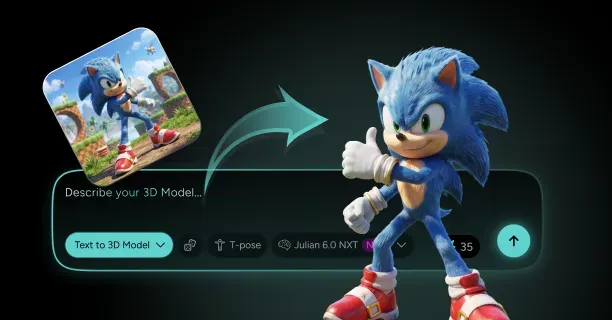
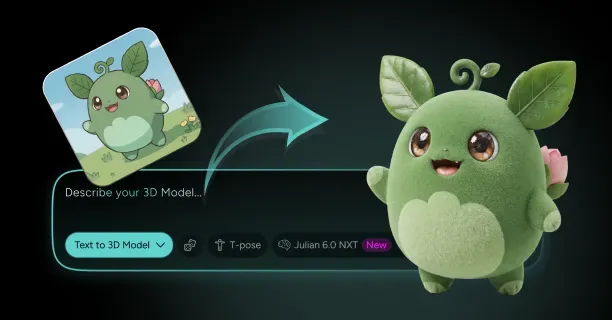
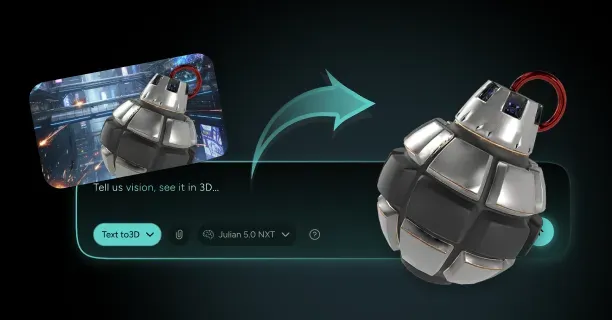
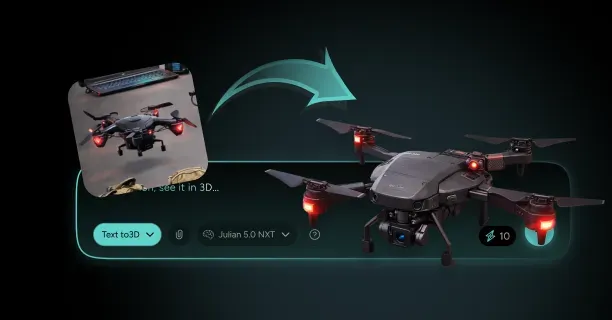
Upload reference images to Threedium, and our system handles technical complexity behind the scenes, letting you focus on creative design rather than technical implementation details. The entire pipeline from image capture to game-ready asset requires technical expertise across photography, 3D modeling, texturing, and technical art for performance optimization.
Professional game studios employ specialized technical artists who focus exclusively on this asset preparation workflow, ensuring every model meets strict quality and performance standards.
Which Game Pipeline Do You Need: Unreal Engine Or Unity?
Which game pipeline you need depends on your project’s real-time rendering requirements, target deployment platforms (PC, console, mobile, VR), and development team workflow preferences when creating game-ready 3D assets from photogrammetry or AI-generated images. Unreal Engine and Unity each provide distinct advantages for different development scenarios.
Unreal Engine Pipeline
Unreal Engine excels at high-fidelity realism, making it the optimal choice for projects requiring photorealistic rendering and cinematic visual quality. Unreal Engine features a Blueprint-style node-based Material Editor where developers visually interconnect nodes representing mathematical operations, texture samples, and PBR material properties to construct complex real-time shader networks for photorealistic rendering. This node system grants precise control over light-surface interactions, which proves essential for assets reconstructed from photogrammetry or AI-generated from reference images.
Unreal Engine implements packed ORM textures for GPU memory optimization by combining three PBR maps:
- Ambient Occlusion (O channel)
- Roughness (R channel)
- Metallic (M channel)
This technique reduces texture sampling operations during real-time rendering. Unreal Engine natively processes texture resolutions at:
- 4096×4096 pixels (4K standard)
- 8192×8192 pixels (8K standard)
Unreal Engine 5’s Nanite virtualized micropolygon geometry system renders millions of triangles in real-time at interactive frame rates, eliminating traditional polygon budget constraints when developers integrate high-resolution meshes generated from image-based reconstruction techniques.
Lumen, Unreal Engine 5’s fully dynamic global illumination and reflections system, computes physically accurate indirect lighting in real-time without requiring pre-baked lightmap generation. This streamlines production workflows and accelerates iteration cycles for game-ready 3D assets created from photographic references or photogrammetry scans.
| Feature | Benefit |
|---|---|
| Packed ORM Textures | Reduces GPU memory usage and texture sampling operations |
| Nanite System | Handles millions of polygons without performance loss |
| Lumen GI | Real-time global illumination without lightmap baking |
| Blueprint Material Editor | Visual node-based shader construction |
For automated game-ready asset creation from 2D images or photographs, Threedium’s AI-powered 3D generation platform integrates natively with Unreal Engine’s material pipeline by automatically generating complete Physically-Based Rendering (PBR) texture sets in Unreal’s packed ORM format, reducing manual texture preparation time by up to 80% compared to traditional photogrammetry workflows.
Unity Pipeline
Unity Engine by Unity Technologies provides developers with a modular rendering architecture through two distinct systems:
- Universal Render Pipeline (URP): Optimized for performance-critical mobile platforms (iOS, Android) and VR applications
- High Definition Render Pipeline (HDRP): Designed for photorealistic visuals on high-end PC and console platforms (PlayStation 5, Xbox Series X/S)
Unity implements a component-based material system where artists apply textures to predefined slots within the Inspector window GUI rather than constructing visual node graphs, simplifying material setup workflows for artists without shader programming expertise.
Unity’s High Definition Render Pipeline (HDRP) renders photorealistic visuals that rival Unreal Engine’s visual quality, featuring:
- Hardware-accelerated ray tracing (DXR/RTX)
- Volumetric fog for atmospheric depth
- Screen-space reflections for performant mirror-like surfaces
Unity’s HDRP employs separate individual texture maps for:
- Metallic
- Smoothness (the mathematical inverse of Roughness)
- Ambient Occlusion
This individual map architecture enables developers to avoid texture packing operations entirely, eliminating preprocessing steps and accelerating asset import workflows when integrating photogrammetry-scanned models or AI-generated 3D assets from images directly into Unity HDRP projects, reducing production time by 30-50% compared to packed texture workflows.
Unity’s Universal Render Pipeline (URP) prioritizes rendering performance and cross-platform compatibility, positioning it as the optimal choice for resource-constrained platforms including:
- Mobile devices (iOS, Android)
- Standalone VR headsets (Meta Quest 2/3, Pico)
- WebGL browser deployments
- Lower-end PC hardware with limited GPU rendering budgets
Technical Workflow Differences
File Format Support
Unreal Engine requires mesh imports in: - FBX (Autodesk Filmbox) - USD (Pixar’s Universal Scene Description)
Unity natively imports: - FBX (Autodesk Filmbox) - OBJ (Wavefront Object) - Blend (Blender’s native format)
This provides developers with broader compatibility across industry-standard 3D creation tools including Blender, Autodesk Maya, 3ds Max, Cinema 4D, and photogrammetry software like RealityCapture or Metashape.
Material System Comparison
| Engine | Material System | Workflow Style |
|---|---|---|
| Unreal Engine | Material Instance System | Node-based visual programming |
| Unity | Material Variant System | Slot-based Inspector GUI |
Unreal Engine’s Material Instance system enables artists to create parameter-driven variations of master base materials by exposing and overriding specific properties such as colors, textures, and scalar values, accelerating iterative design workflows for photogrammetry assets without duplicating complex shader node networks.
Unity’s Material Variant system implements comparable parameter-driven material inheritance through the Inspector GUI interface, allowing artists to create child material variants that override specific properties of parent materials without shader programming knowledge.
UV Mapping Workflow
Unreal Engine: - Features automatic UV generation tools - Computes optimized lightmap UV layouts in secondary UV channel 1 - Includes proper texel spacing and edge padding (typically 2-4 pixels)
Unity: - Necessitates manual UV unwrapping - Requires integration with third-party UV generation tools such as: - RizomUV - UVLayout - Blender’s Smart UV Project
Threedium’s AI-powered 3D asset generation platform automatically computes optimized UV texture coordinate layouts with minimal distortion and efficient texel density, ensuring cross-engine compatibility with both Unreal Engine’s and Unity’s PBR material systems.
Performance Optimization Considerations
Shader Compilation Approaches
Unreal Engine: - Pre-compiles thousands of platform-specific shader permutations during project cooking - Optimizes runtime GPU performance - Eliminates in-game shader compilation stutters - Trade-off: Significantly longer initial build times (often 30-60 minutes for complex projects)
Unity: - Performs just-in-time (JIT) shader compilation on-demand during gameplay - Reduces initial project build duration to minutes rather than hours - Risk: Noticeable frame rate stutters (frame hitches of 100-500ms) when encountering new shader variants at runtime
Level of Detail (LOD) Generation
Unreal Engine: - Built-in automatic LOD generation - Uses configurable quadric mesh simplification algorithms - Developers adjust reduction percentages and screen size thresholds per Static Mesh asset
Unity: - Requires integration with external commercial tools like Simplygon (Microsoft) - Manual LOD mesh authoring in DCC applications (Blender, Maya) - Adds production pipeline complexity and licensing costs
Photogrammetry-scanned and AI-generated 3D assets from images typically contain millions of polygons and require multi-level LOD chains (LOD0 at full detail through LOD3+ simplified meshes) for optimal real-time rendering performance across viewing distances.
Platform-Specific Requirements
Choose Unreal Engine For:
High-performance platforms including: - Gaming PCs with RTX 3000+/RDNA2+ GPUs - Sony PlayStation 5 - Microsoft Xbox Series X/S consoles - Flagship mobile devices (iPhone 15 Pro, Samsung Galaxy S23+ with Snapdragon 8 Gen 2)
Modern GPU hardware provides acceleration for advanced rendering features including: - Hardware-accelerated ray tracing (DXR/RTX) - Mesh shaders - Variable rate shading for photorealistic real-time graphics
Choose Unity Engine For:
Cross-platform deployment targeting: - iOS (iPhone/iPad) - Android (smartphones/tablets) - Nintendo Switch console - WebGL 2.0 browser-based applications
Unity offers broad hardware compatibility across low-end to mid-range devices and smaller application build sizes (typically 50-70% smaller than HDRP) critical for: - Mobile app store distribution limits - Faster web loading times
Unity HDRP Alternative:
Unity’s High Definition Render Pipeline (HDRP) supports the same high-performance platforms as Unreal Engine while providing seamless integration with Unity’s development ecosystem: - C# scripting framework - Unity Asset Store resources - Package Manager dependencies - Existing project codebases
This reduces migration costs and learning curves for development teams already invested in Unity workflows and tools.
Final Decision Framework
The engine selection decision between Unreal Engine and Unity fundamentally influences how development teams:
- Author and implement Physically-Based Rendering (PBR) materials (node-based vs slot-based)
- Import and process photogrammetry-scanned assets from RealityCapture/Metashape
- Handle AI-generated 3D models from platforms like Threedium
- Structure texture optimization workflows (packed ORM vs separate maps)
Select Unreal Engine 5 If:
- Project requires film-quality photorealism
- Need cinematic visual fidelity comparable to offline rendering
- Developing AAA games with maximum visual quality
- Creating game-ready 3D assets from photogrammetry scans or AI-generated models from images
Select Unity Engine If:
- Need modular dual-pipeline architecture
- Require granular technical control and rendering customization
- Target diverse platform requirements from low-end mobile to next-generation consoles
- Team has varied expertise from technical artists to shader programmers
- Working with existing Unity project codebases
Both engines accommodate photogrammetry workflows and AI-generated 3D asset integration, but the choice depends on your specific project requirements, target platforms, team expertise, and visual quality expectations. Creating game-ready 3D assets is also useful for creating/building in games like Minecraft, Call of Duty, Valorant, League of Legends, Apex Legends, and Genshin Impact.